Home Lab Setup for CCNA/CCNP/Networking
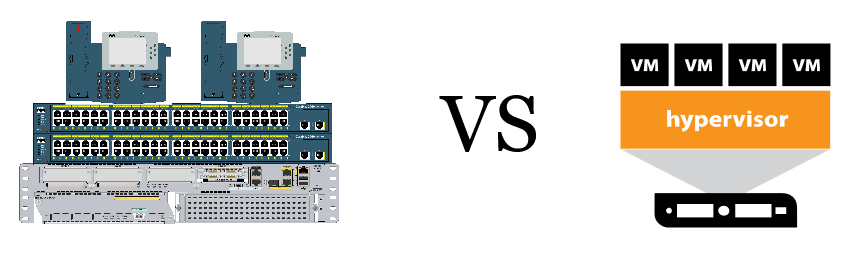
There is always “the great debate” when you’re studying for your certification exams if you should build your lab with hardware or software. In my opinion, what I have done is gone with both. I think you should have 2-3 routers, 2 switches and sometime of server or your own pc to run some virtual labs either you pick something like EVE-NG, GNS3 or Cisco Modeling Labs.
My reason for having some hardware in your lab is to simply be able to touch it, plug in to it, console into it, be able to see the different interfaces it has, perform a password reset, connect 2 routers together see how the link lights react when you turn up an interface. There are some cheaper options to pick up some older routers and switches on E-Bay, that is where I got all my networking equipment from.
I do understand not everyone is going to be able to buy hardware. There are different options for running a software networking lab such as EVE-NG, GNS3, and Cisco Modeling Labs, each has their free version and paid version. In my opinion I prefer EVE-NG, which I’ve been using for over 5 years now. I have used all 3 however I keep turning back to EVE-NG unless I’m taking a course online that has a YAML file for a lab on Cisco Modeling Labs. The one downfall I do find with software is sometime there are bugs and sometimes you can spend a little bit more time troubleshooting the software than studying for your certification.
I’m not familiar with setting up lab environments on cloud options I will not be getting into those.

 Luke Evans Networks
Leave a comment